
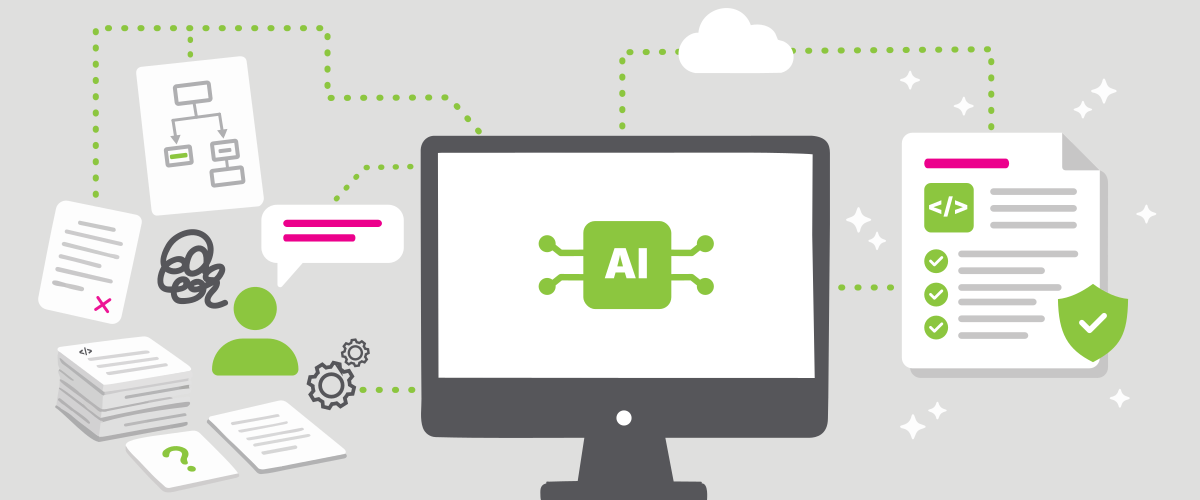
Most of our articles focus on IAM (Identity and Access Management). Today, however, we’re taking a brief detour to introduce a new internal tool – an AI-driven documentation engine designed to make technical documentation faster, more accurate, and grounded in evidence.
There is one task every software team agrees is important – yet few approach with enthusiasm: writing technical documentation. The more complex the product, the wider the gap between what the documentation should contain and what it actually does.
You know the situation: a senior developer sits in front of a blank document, fully understands the system, but writing about it is the last thing they want to do. And if they don’t do it, no one will – or it will be done poorly. That’s precisely why we built this AI-driven documentation engine.
From naive beginnings to precision
Our initial attempts at generating documentation were, in hindsight, rather naive. We simply prompted the AI: “Create documentation for module XYZ.”
The output wasn’t terrible, but it wasn’t great either. The AI produced fluent text, identified key topics correctly, and used appropriate terminology. Still, the results suffered from familiar issues:
- excessive verbosity and filler;
- irrelevant sections nobody needed;
- hallucinations (fabricated facts);
- inconsistency with existing documentation formats.
RAG: Facts over guesswork
Two of the biggest challenges with AI are fabricated information and managing context effectively. Too much context increases both error rates and token consumption.
We addressed these issues by implementing a Retrieval-Augmented Generation (RAG) architecture within our AI-driven documentation engine.
This approach allows the AI to access source code, configuration, and essential metadata with precision. The system is built on a solid foundation: evidence-based documentation.
The AI works with pre-generated summaries such as module overviews, routing maps, and configuration files and uses them to navigate the codebase efficiently. It can reference specific files and even store supporting evidence like line numbers in classes.
A valuable side effect: the AI doesn’t need to process the entire codebase, reducing token usage while improving accuracy.
MCP servers: Bridging AI and code
Access to RAG data and other resources is implemented through MCP (Model Context Protocol) servers – a standard that effectively bridges AI with external tools, services, and data sources.
For our documentation engine, we developed a suite of specialised MCP servers:
- Source: access to source code (class search, line-level reading, full-text search);
- Javadoc: extraction of Javadoc comments from classes and methods;
- Maven Modules: inventory of application modules and capabilities;
- Routes: static analysis of registered application routes;
- Config: access to default configuration files, including hash generation;
- Docs: access to existing documentation;
- Artifacts: read/write access to workspace files (evidence, reports, change logs). These artefacts effectively serve as the system’s memory, enabling documentation to be generated consistently across multiple sessions.
Four agents, one team
The AI-driven documentation engine is not a single agent – it’s a coordinated team of four.
Each agent has a clearly defined role within the workflow, along with specific capabilities, permissions, and responsibilities. They operate under strict rules, ensuring accountability and consistency.
These rules are not rigid, however. Developers can provide additional context, override agent behaviour, specify documentation types, answer open questions,restrict access to certain resources or prohibit specific actions. Agents treat these inputs as authoritative. Developers can also provide leads – pieces of information that must be verified before being included in the documentation.
Meet the team
- Doc Author: The lead agent and domain expert. Responsible for generating documentation, applying revisions based on feedback, and compiling supporting evidence.
- Evidence QA (Quality Assurance): The auditor. Verifies the documentation draft and its evidence (Does the referenced file exist? Are line numbers correct? Does the evidence make sense?). It does not edit – only provides feedback to Doc Author.
- Doc Editor: The stylist. Focuses on language, structure, and consistency with existing documentation. Produces a report with suggested improvements for Doc Author.
- Integrator: Simulates an external user. Evaluates clarity, usability, and completeness. Identifies blockers and improvement opportunities before publication.
Workflow in practice
In practice, the workflow consists of running the agents in the right sequence. The agents can infer the mode they are expected to operate in from the files already present in the workspace, but the user can also explicitly specify the mode, for example, whether Doc Author should generate a new draft or revise the documentation in response to Evidence QA findings or Integrator feedback.
A standard workflow looks like this:
- Doc Author is launched for a specific topic. If no draft exists yet, it gathers the necessary information, produces the first draft, and creates the supporting evidence record.
- Evidence QA then reviews both the generated draft and the linked evidence.
- If QA fails, Doc Author is run again. Based on the existing files, it recognises that it should revise the draft rather than create a new one. If QA passes, the workflow proceeds to the next step.
- Doc Editor reviews the draft against the existing documentation and proposes stylistic and structural improvements.
- If changes are required, Doc Author is called again to incorporate them. If everything is in order, the workflow moves on.
- Integrator reviews the documentation from the perspective of someone who actually needs to use it. It checks whether the document is clear, complete, and practically usable.
- If the Integrator identifies issues, the workflow returns to step one. The difference is that Doc Author now detects that it should revise the existing draft in line with the integration feedback, rather than generate a new document from scratch.
This loop continues until the documentation is factually sound, stylistically consistent, and usable from the reader’s point of view.
Results and what comes next
So far, the AI-driven documentation engine has exceeded expectations.
The output aligns closely with what senior developers expect. Their role has shifted from writing documentation to reviewing it – which in itself is a significant gain.
One particularly interesting moment came during a demonstration: while analysing the codebase, the system identified a feature that senior developers hadn’t fully mapped or actively used. A documentation tool uncovering blind spots – that wasn’t something we anticipated.
The next step is full automation:
agents running without manual input and documentation being generated continuously as the product evolves.
There’s still plenty happening under the hood – but that’s a topic for another article.